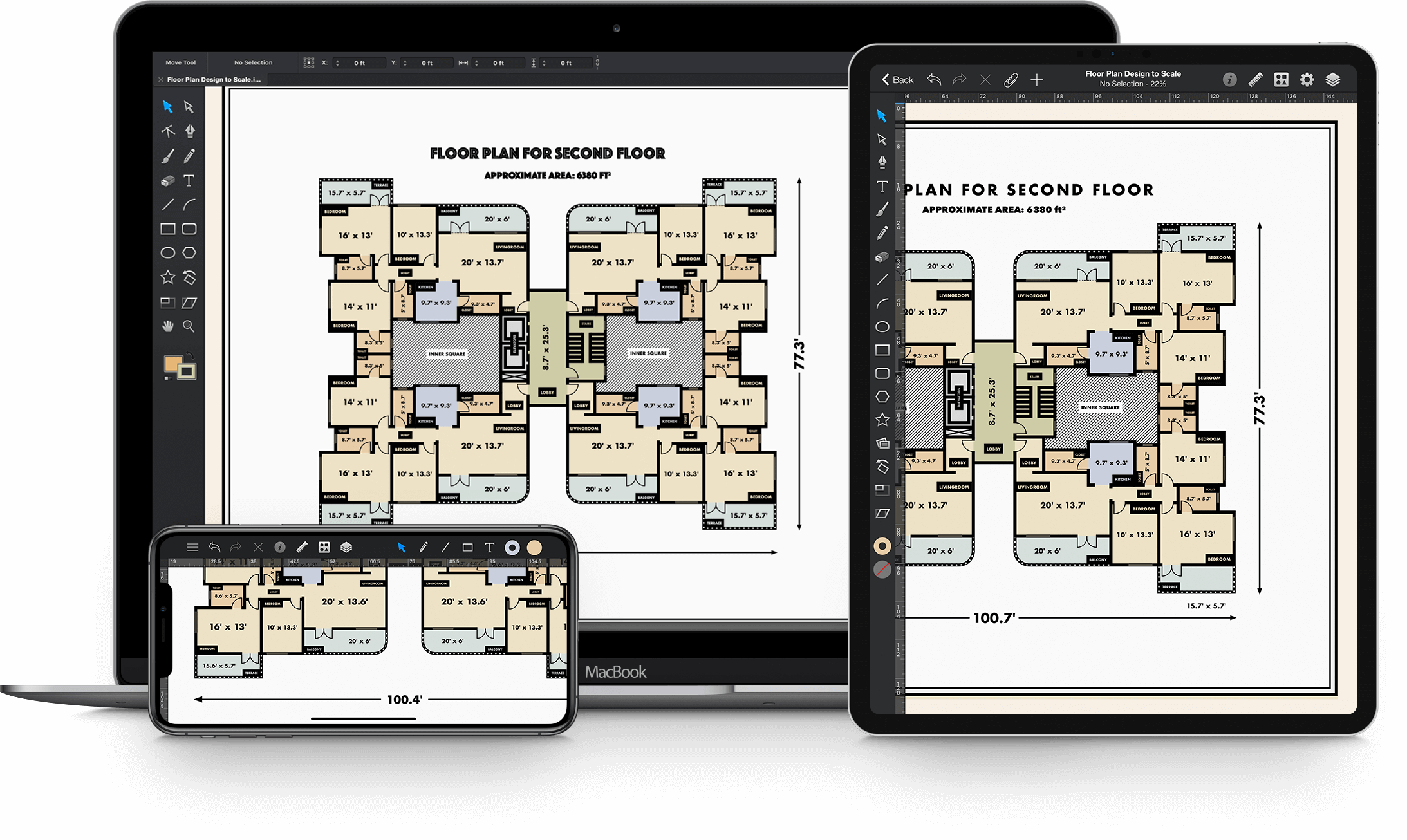

Graphic is a modern full-featured graphic design and illustration application, created specifically for Mac OS X. Packed with many powerful features, and designed to be easy to use, you can use Graphic to create everything from simple diagrams to intricate detailed vector artwork. Import and export SVG, PDF and Photoshop PSD documents, creating simple workflows with other applications.
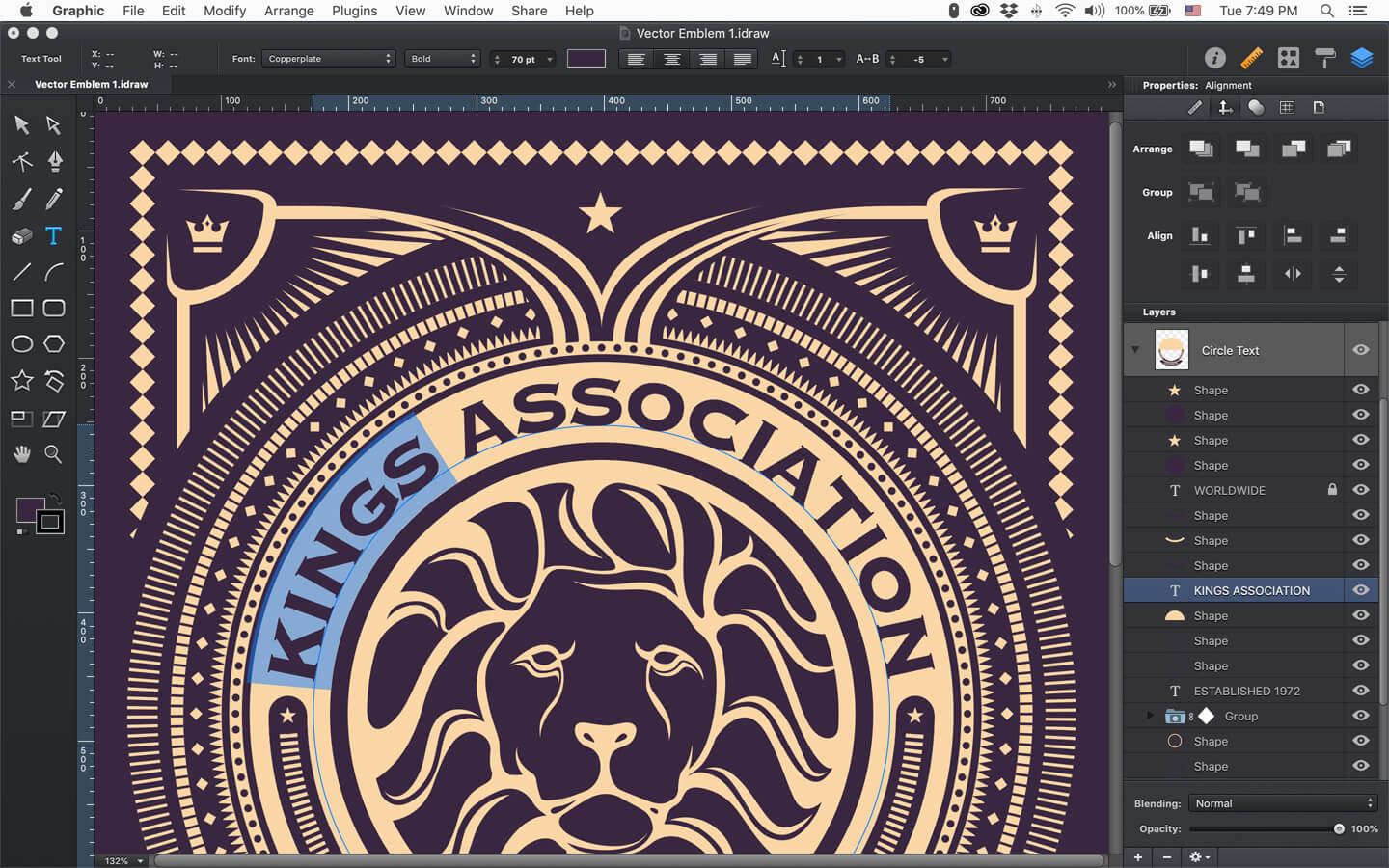
 Vector Drawing
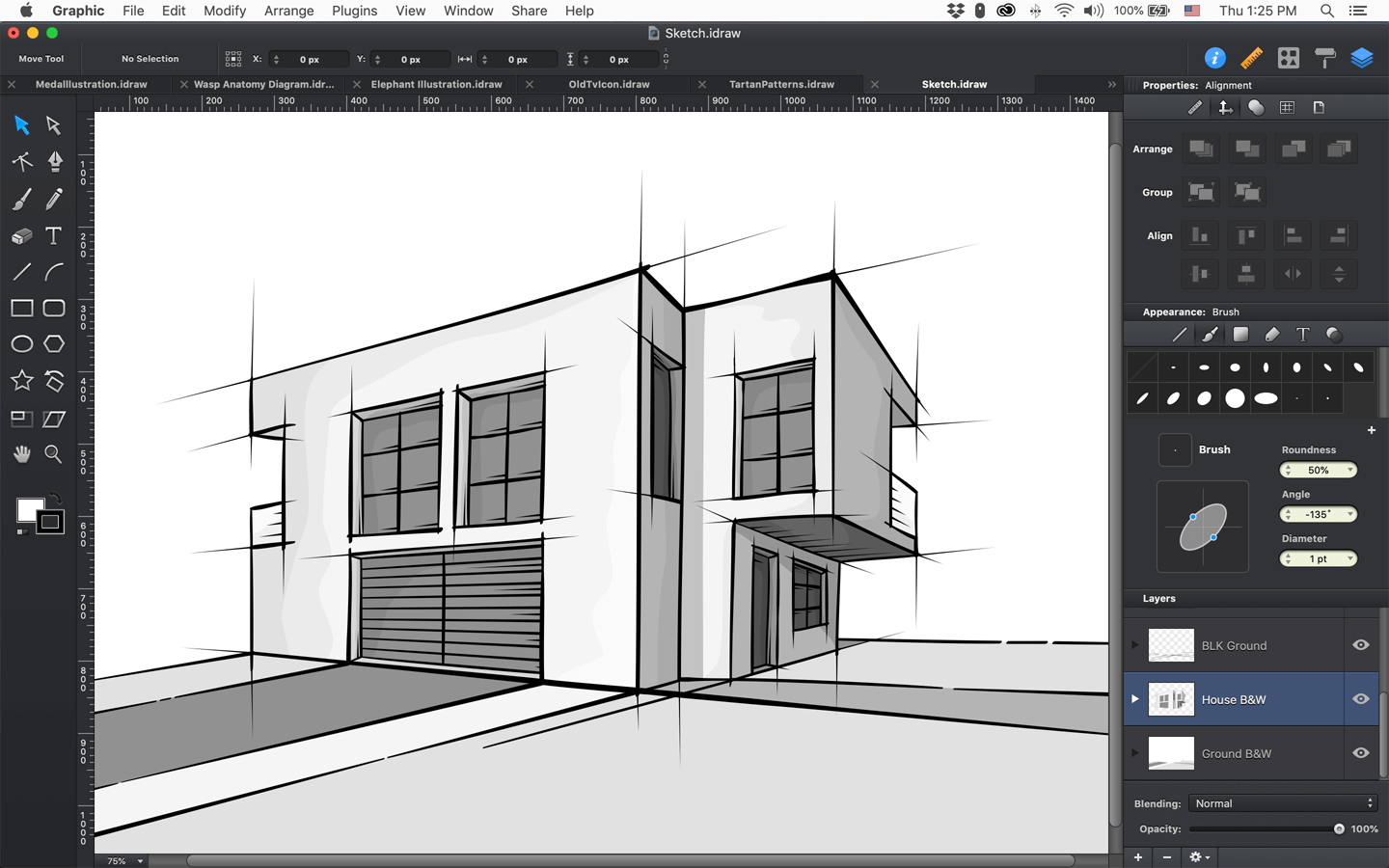
Powerful bezier pen tool for drawing points, curves, and lines. Pencil and brush tools for sketching. Quickly create custom shapes or paths.
 Shape Tools
Versatile set of customizable drawing tools. Create lines, arcs, rectangles, ellipses, stars, polygons, etc.
 Text with Style
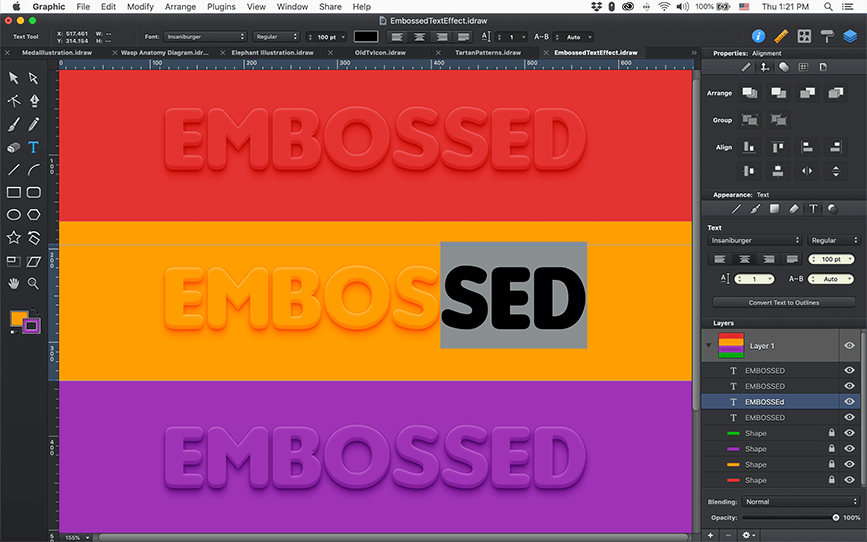
Multi-style text boxes with line height and text kerning options. Place text along a path. In-place editing of transformed text.
Whether you're creating beautiful illustrations or tweaking your latest design, Graphic offers versatility and precision with features such as full vector editing controls.
 Pressure Sensitive Strokes
Now with Apple Pencil support. Graphic automatically detects variable-width brush strokes.
 Brush Editor
Get the look you want. Precisely edit or create your own brushes with Graphic's detailed brush editor.
 Editable Brush Strokes
Draw, edit and perfect your strokes at any time with full path and node editing capabilities.
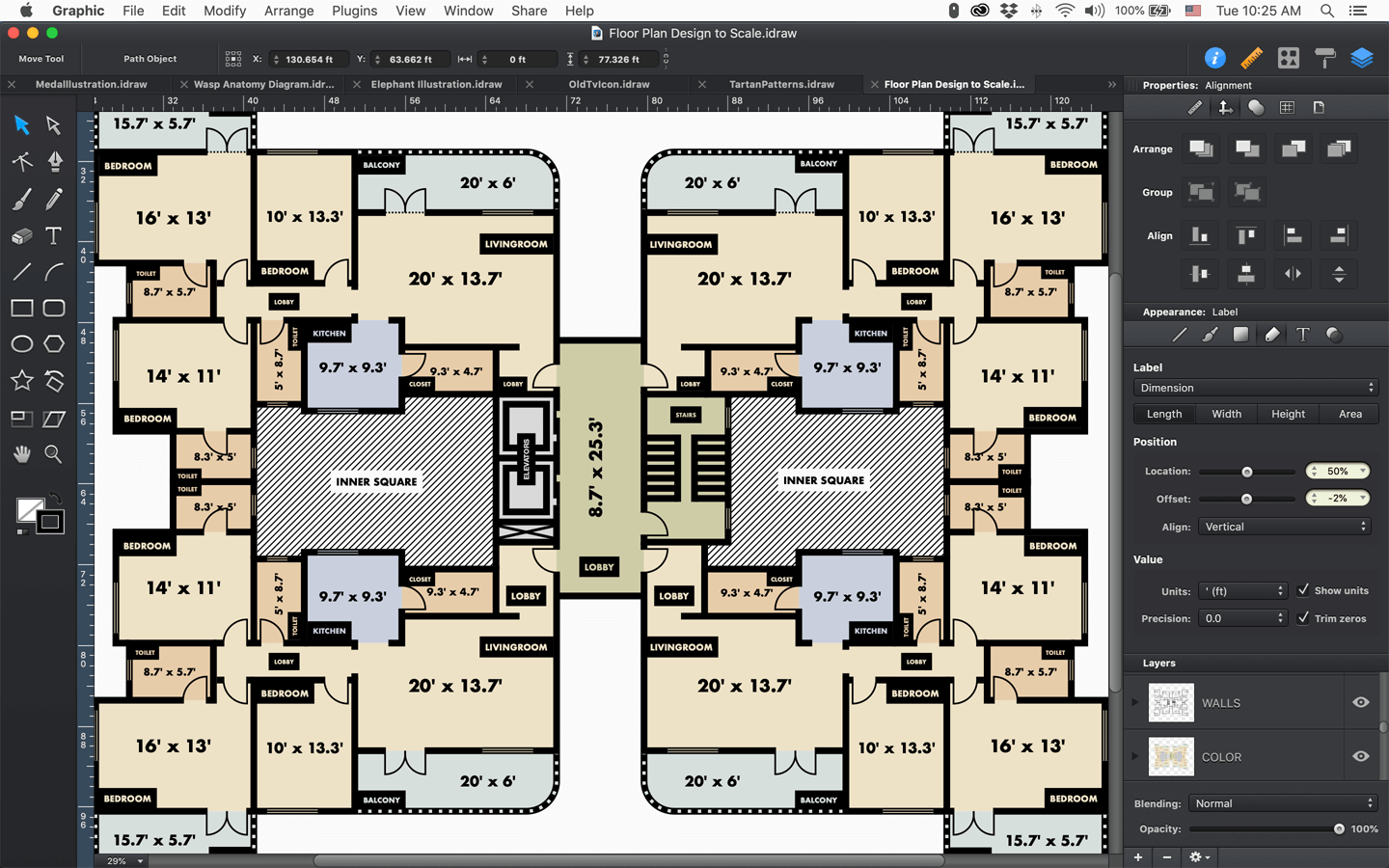
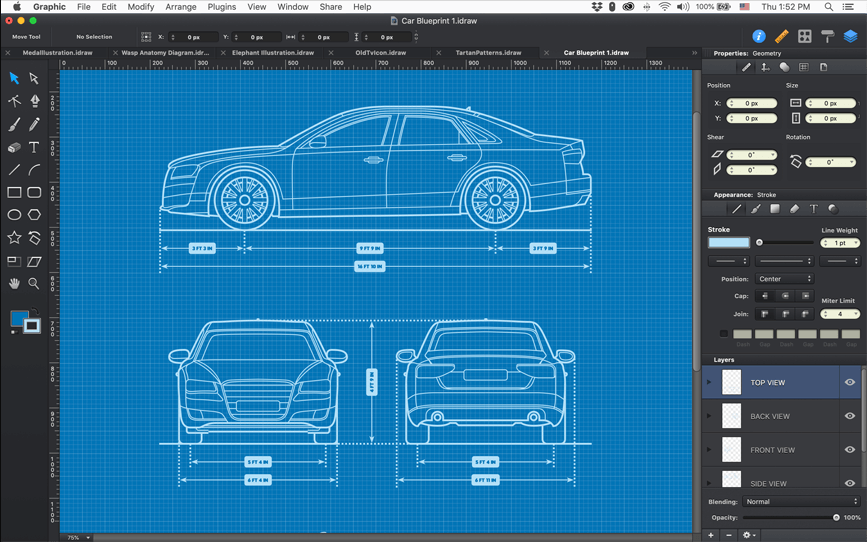
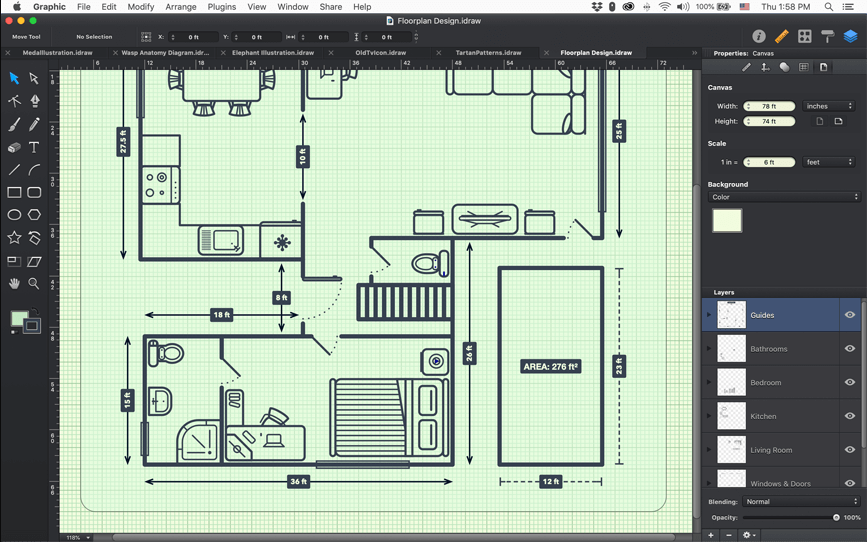
Create detailed technical designs, floor plans, and schematics using Graphic's customizable canvas grid, smart alignment guides, object snapping, and dimensioning tools. Choose from a variety of ruler unit display formats including pixels, feet, inches, yards, and metric units.
 Rulers & Units
Built-in canvas style templates, with a fully customizable grid and margins. Set ruler units in pixels, inches, mm, and cm, and apply a scale factor to create to-scale designs.
 Labels
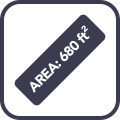
Add dimension labels, custom text labels or simple text labels to any object. Stylize a label’s text font, size and style or the box bordering your label.
 Dimensioning
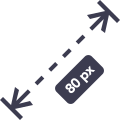
Draw automatic dimension lines to create technical diagrams and schematics. Auto-calculated labels for length, width, height, and area.
Build mockups and interface designs with ease. Start designing your next website or app wherever inspiration strikes. Using Graphic's vector drawing tools, shapes libraries, and layer effects features sketch out rough ideas or make fully pixel-perfect mockups.
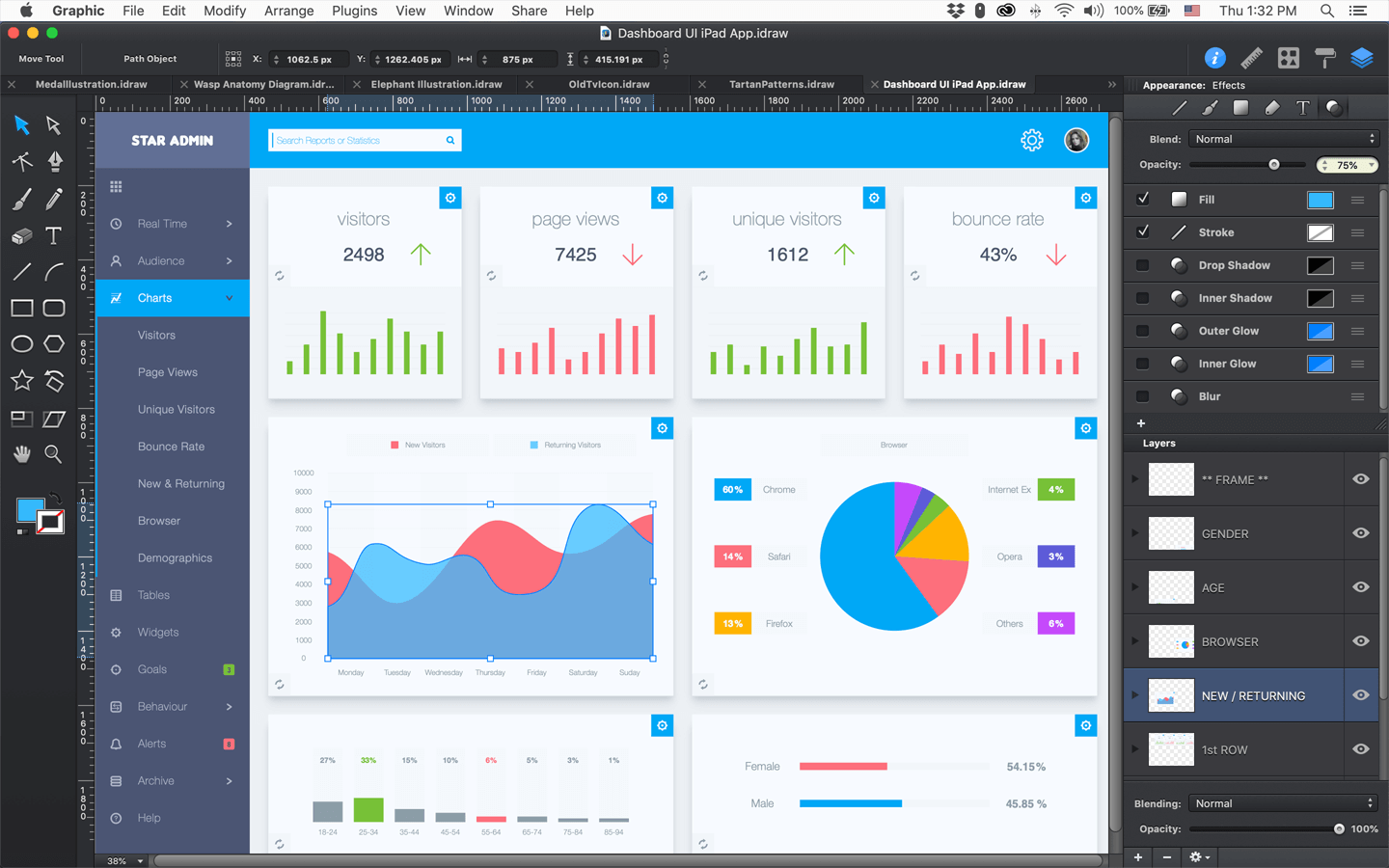
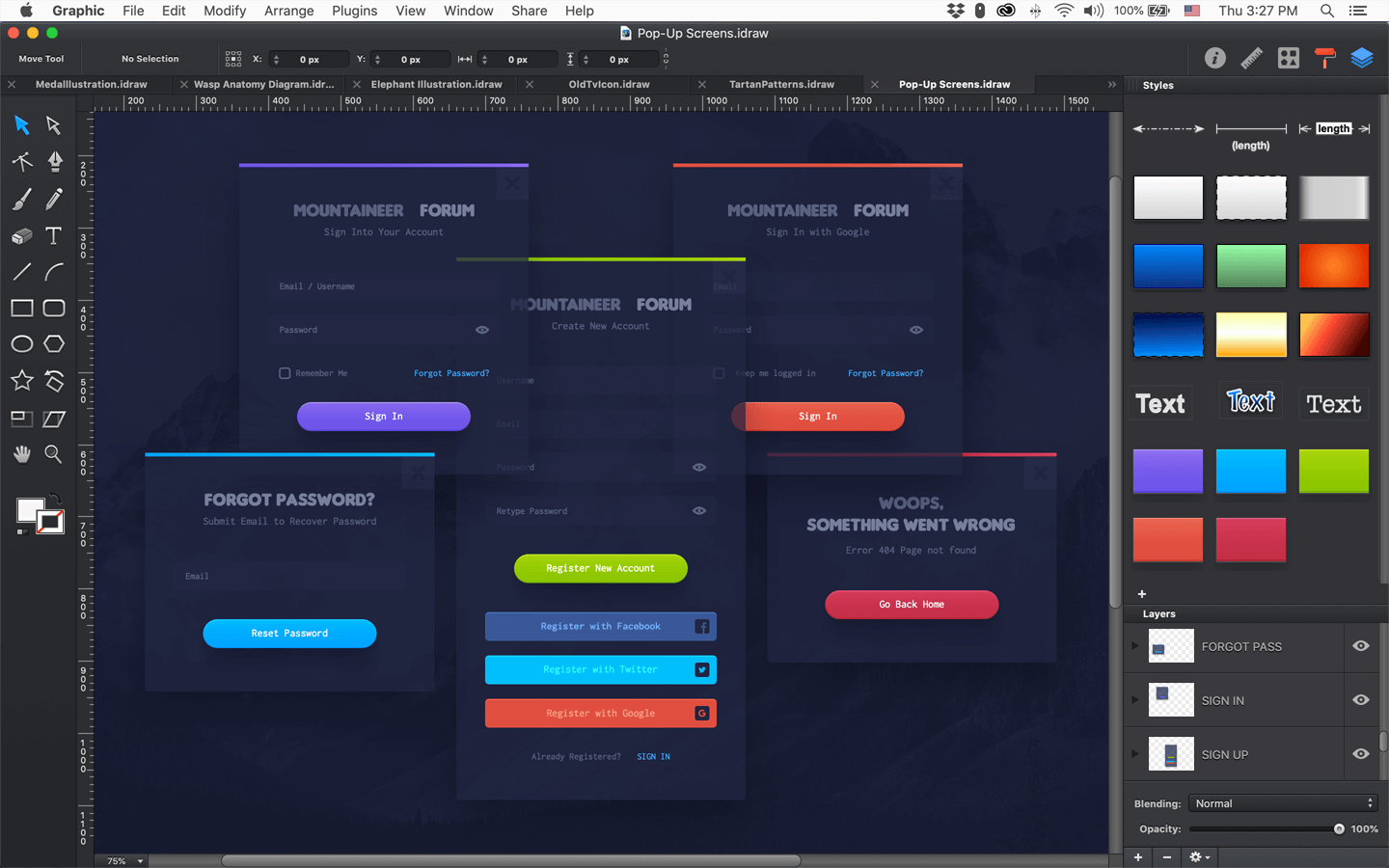
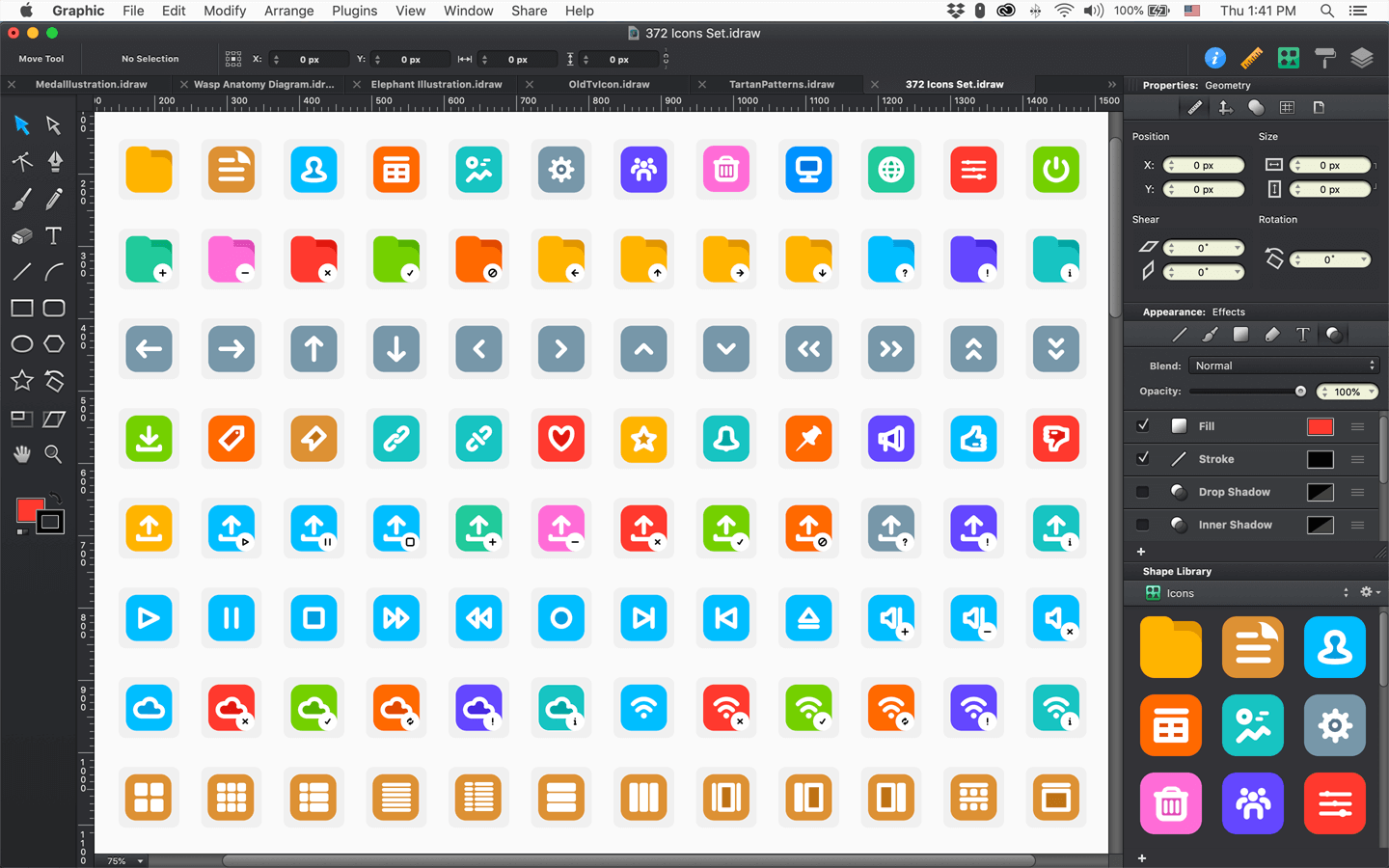
 Appearance FX
Apply drop shadows, inner shadows,inner and outer glows to shapes. Add multiple strokes, fills, and effects to a single object. Arrange the order of fills, strokes, and effects using drag and drop.
 Saved Styles
Save and reuse appearance styles. 'Copy Style' and 'Paste Style' commands allow you quickly copy the appearance of an object and easily apply that same appearance stack on others.
 Shape Libraries
Create your own libraries of reusable custom shapes. Quickly create designs by organizing and reusing sets of related shapes. Included sample libraries for Floor Plans, Mockups, and Symbols.
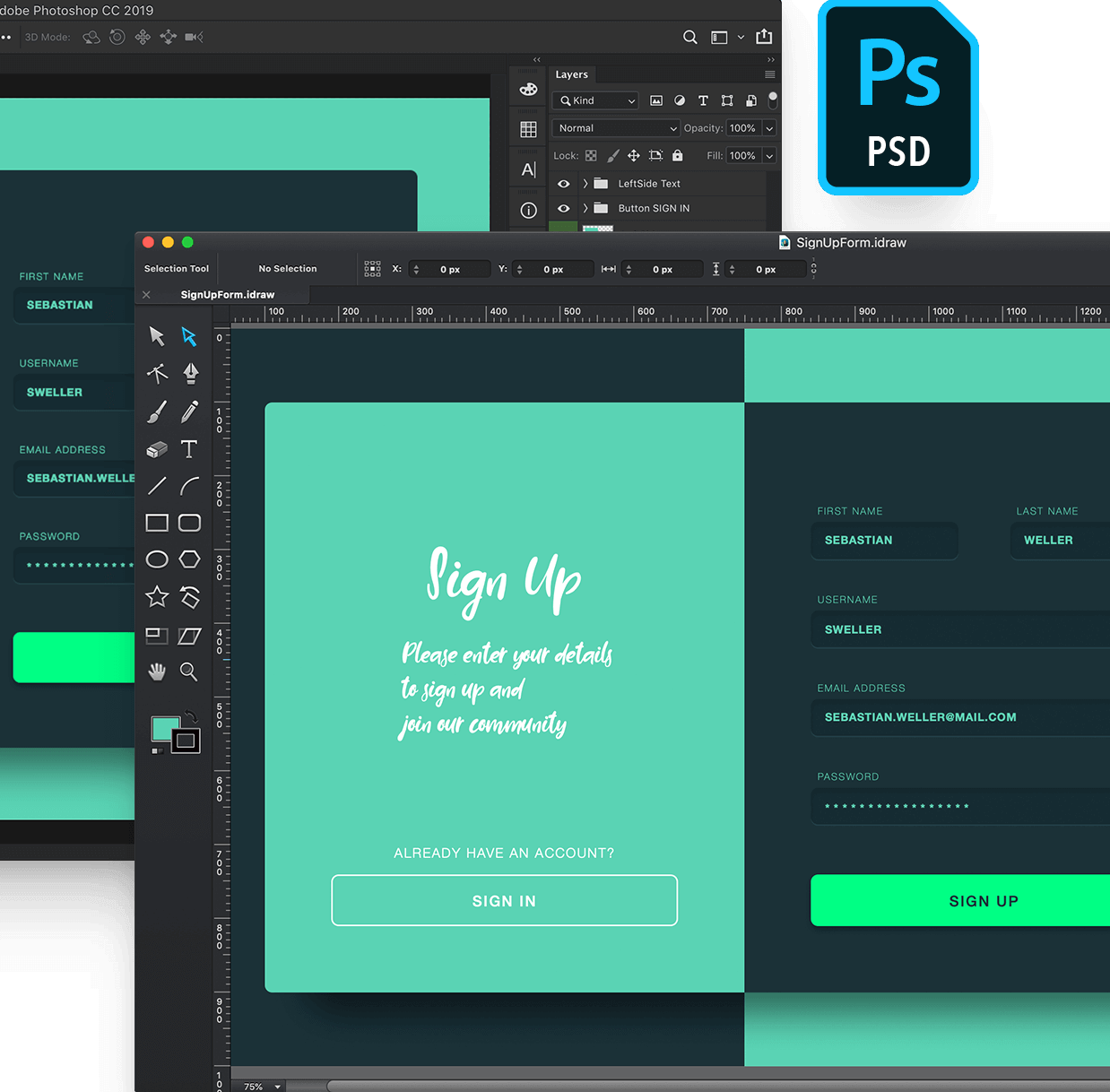
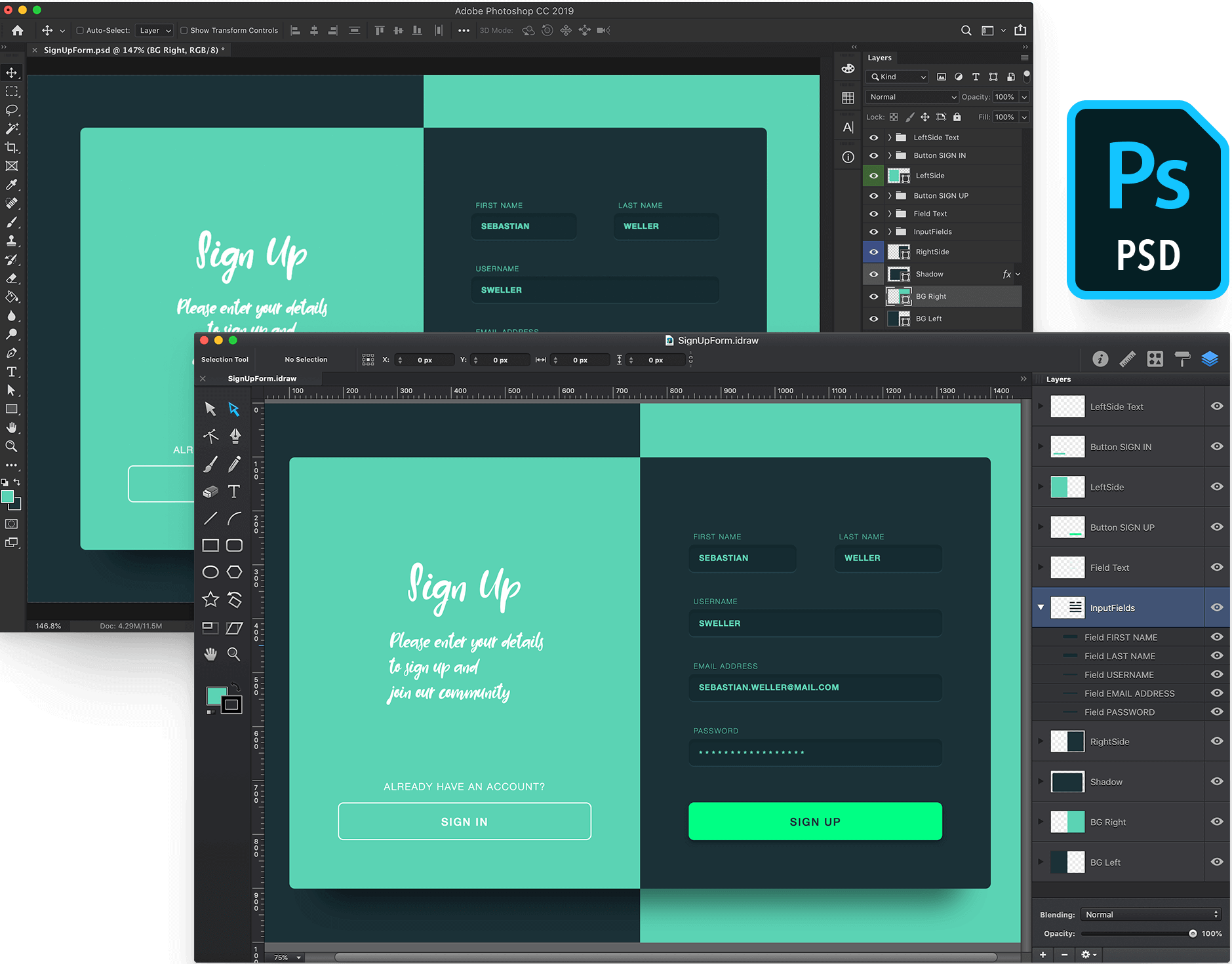
Import and export layered Photoshop PSD files. Unlike most applications which simply import the bitmap data from a PSD file, Graphic can import Shape Layers as fully editable vector paths and import Layer Styles as native Appearance Styles. We've worked hard to ensure that imported PSD files appear as closely as possible to the original design, all while remaining editable in Graphic.
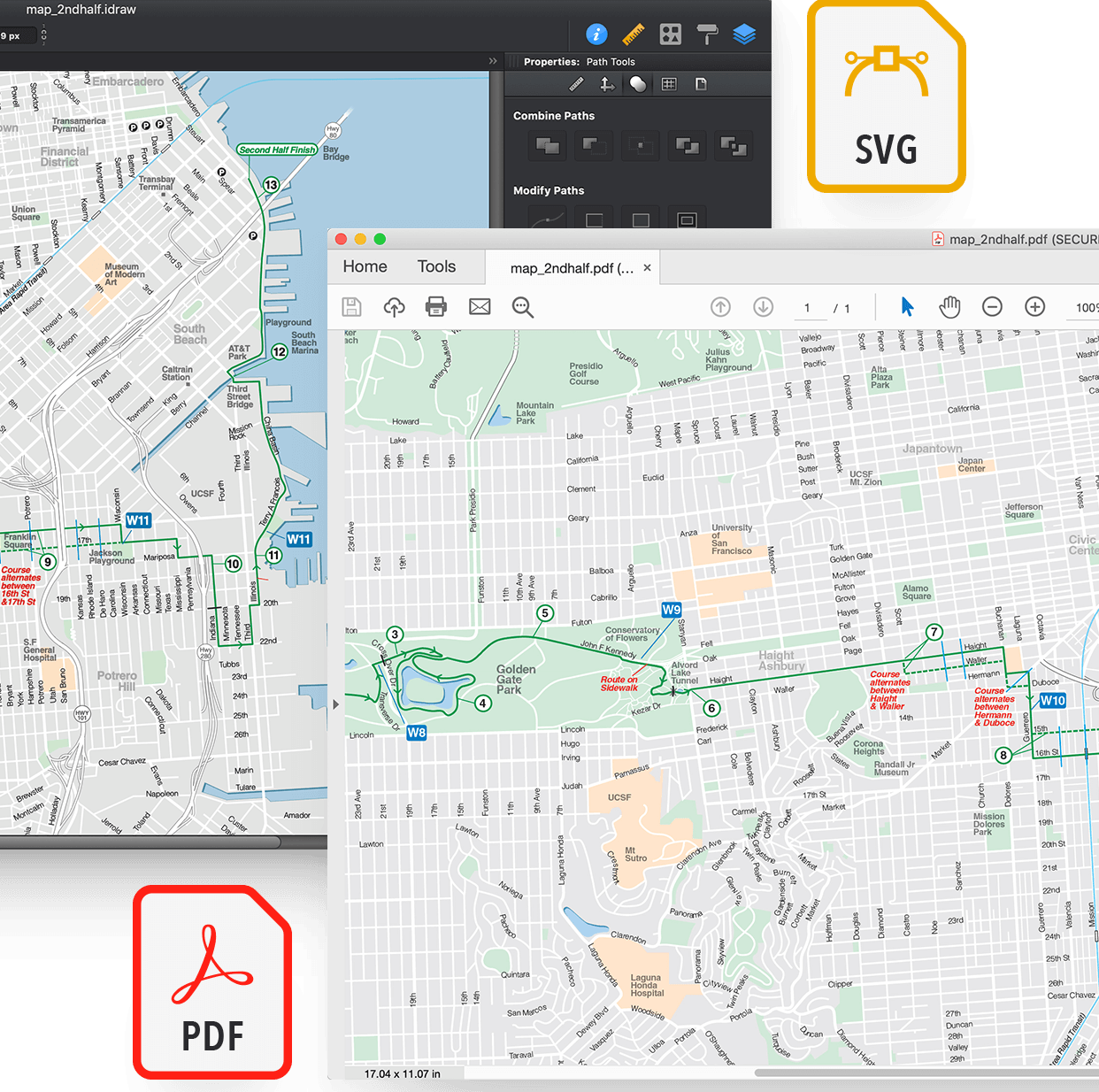
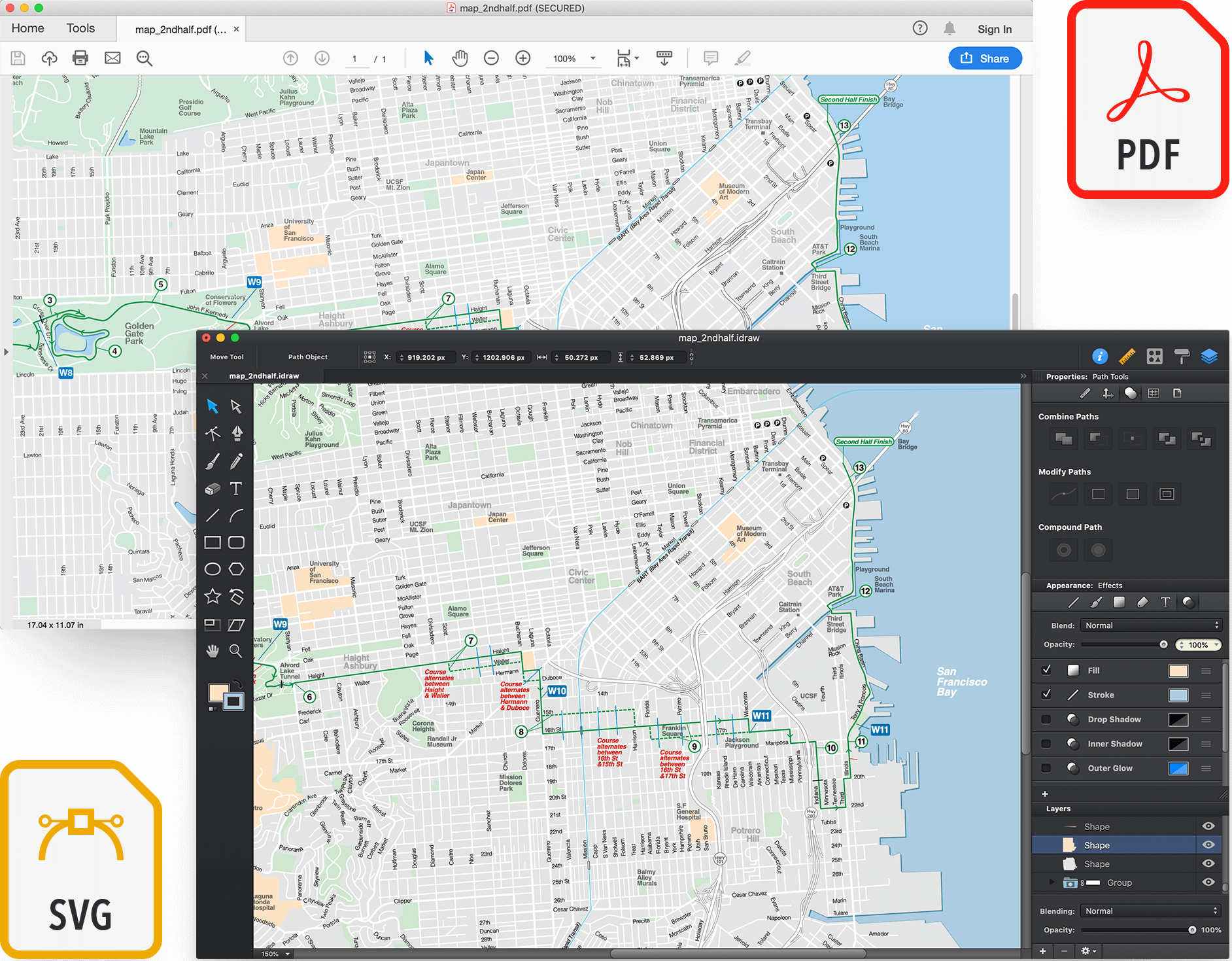
Graphic can easily import PDF and SVG files containing many thousands of vector objects, including maps and other large designs. PDF files can also be imported as plain images to add some last-minute annotations or a fast signature
Graphic for MAC gives you the possibility to stylize objects using vivid colors, gradients, seamless pattterns or even images. Create detailed shapes using Graphic's tools and vector shape building techniques. Easily mask or organize objects as you wish. All of the features you'd expect to find in a professional design application are all right here. Take projects on the go without leaving behind your favorite features. Graphic on iPad Pro is seamlessly similar to Graphic for Mac.
 Keyboard Shortcuts
Start using your favorite shortcuts right away. Create groups, lock shapes, join paths and more.
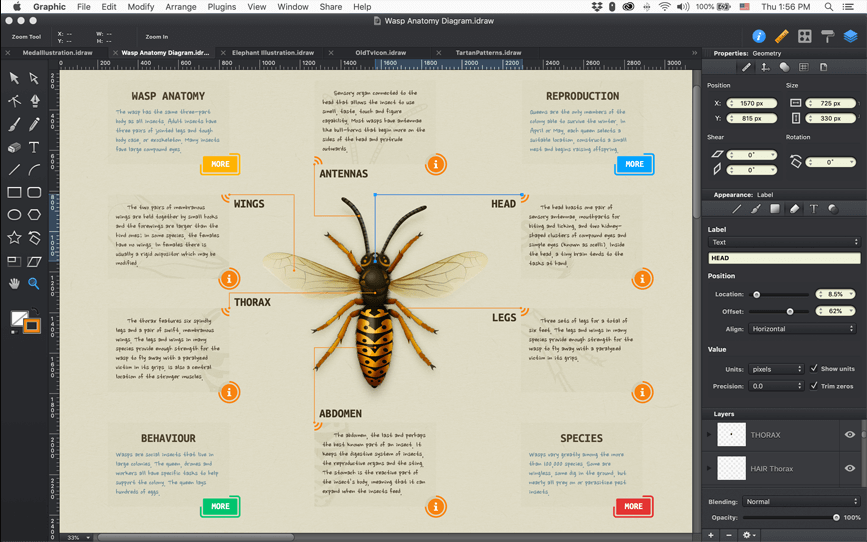
 Multiple Tabs
Document tabs allow you to easily switch between multiple documents open at the same time.
 Layers
Create new layers, change their order, merge,and delete them in the Layers panel.
 Colors & Gradient
Apply Linear, Radial or Angle gradients. Easily save and reuse colors or gradients.
 Patterns
Apply patterns and easily adjust them. Use built-in patterns or create your own seamless pattern
 Images
Import images in Graphic and stylize them like any other object. Even text can be filled with images.
 Path Editing
Union, Subtract, Intersect, Exclude and Divide paths. Quickly create custom shapes or join and disconnect vector paths.
 Clippings Path
Vector shapes and images can be clipped as a group inside another vector shape. Easily adjust a clipping path and add new objects.
 Organize & Align
Neatly stack objects, easily reorder or grop objects. Align or distribute the selected object's positions relative to each other.
 Smart Guides & Loupe
Smart guides allow you to quickly align objects. Point snapping and the magnifier loupe help you create precise designs.
 Resize Artwork
Resize your entire artwork in an instant using the Resize Artwork feature. Easily scale Styles and Effects proportionally.
 Export & Share
Export designs easily using the built-in sharing features in iOS. Share on Facebook, Twitter, via Email, to other iPad apps, etc.
 Mojave
Graphic takes advantage of the latest new features in Mac OS X. It runs great on High Sierra, El Capitan, Yosemite, and OS X Lion.
 GPU Acceperated
Optimized OpenGL drawing for incredibly fast performance. Faster drawing, faster editing, faster importing...
 64-bit
Based on a modern architecture built for optimal performance. Optimized multi-threaded processing with Grand Central Dispatch.
 iCloud Support
Store your documents in iCloud, and keep them up to date across all devices. Share designs between Mac, iPad, and iPhone.
 Dropbox Support
Export designs directly to Dropbox using the built-in browser. Import images, resources, and other files from any Dropbox folder.
 Handoff
Switch seamlessly between devices using Handoff, transferring in-progress designs from one device to another with ease.
 Auto Export
Export each layer or tagged item in a design as a separate file. Create @2x and @3x copies automatically, and export assets to Xcode.
 Autosave
Graphic automatically autosaves documents at regular intervals to keep your work safe.
 Scripting
Use the built-in code editor to create, test and run custom scripts. Previously time-consuming tasks can be easily automated.
 Retina
Graphic features a beautiful interface that looks gorgeous on the Retina display of the MacBook Pro, and on a 4K or 5K Retina iMac.
 CMYK Colors
Create print-ready documents using CMYK colors. Export CMYK-based PDF documents that are ready for print.
 Quick Look
The built-in Quick Look plugin allows you to quickly preview your Graphic documents directly in the Finder.
Full-featured vector drawing, on all your devices.